
Spline, Womp and Unicorn Studio Updates...
Making websites with Lovable gems

Hey you beautiful ball of skin and bones, hope everything is ticking along alright in run up to Christmas and you’re not waking up in cold sweats thinking about spending extended periods of time with family…
Now, some bits and bobettes from this bizarre online world.
3 Things You Might Have Missed From The Website World
1) Hana now has 3D shape effects
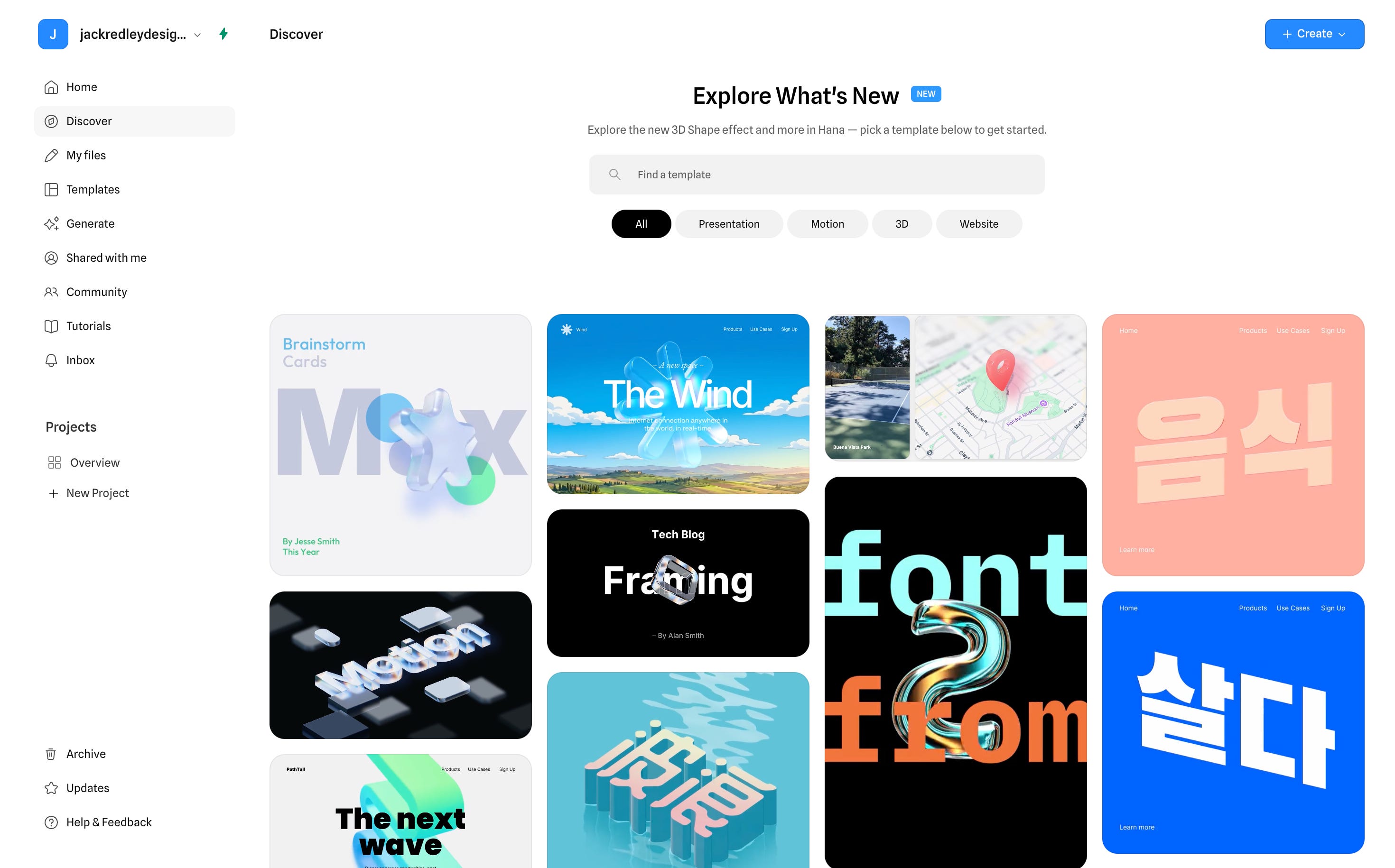
So, reminder - Hana is Spline’s creation.
Everyone complained about how slow Spline was to load on websites. Another problem Spline faced:
Spline’s core product:
Web-based true 3D
Scene graph, lights, cameras, meshes
Powerful but heavy and complex for many designers
Meanwhile, Rive was winning mindshare because it:
Felt designer-native
Was fast, lightweight, and animation-first
Worked beautifully for UI, micro-interactions, and product polish
Designers were saying:
“I don’t want a 3D scene. I just want motion and depth that feels premium.”
Spline couldn’t solve this inside Spline without:
Making the UI more complex
Slowing down their 3D-first roadmap
Diluting their identity as a real 3D tool
Spline chose product separation.
Strategic decision:
Spline stays 3D-engine-first
Hana becomes motion-and-effects-first
This mirrors what Figma did with:
Figma → FigJam
Adobe → After Effects vs Illustrator
👉 Same company, different mental models.
2) Womp is leaning heavily into AI-powered 3D creation: Womp Spark
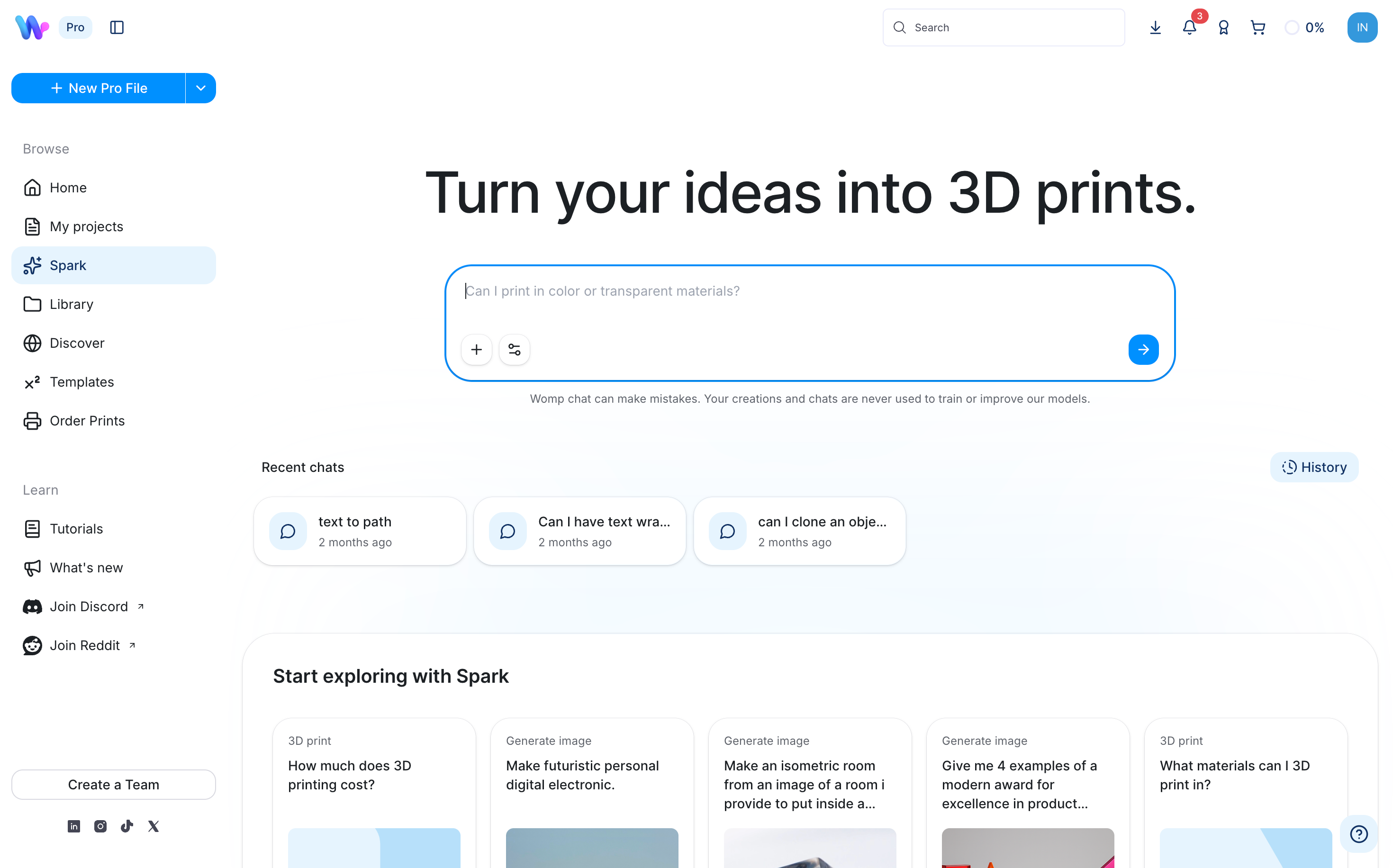
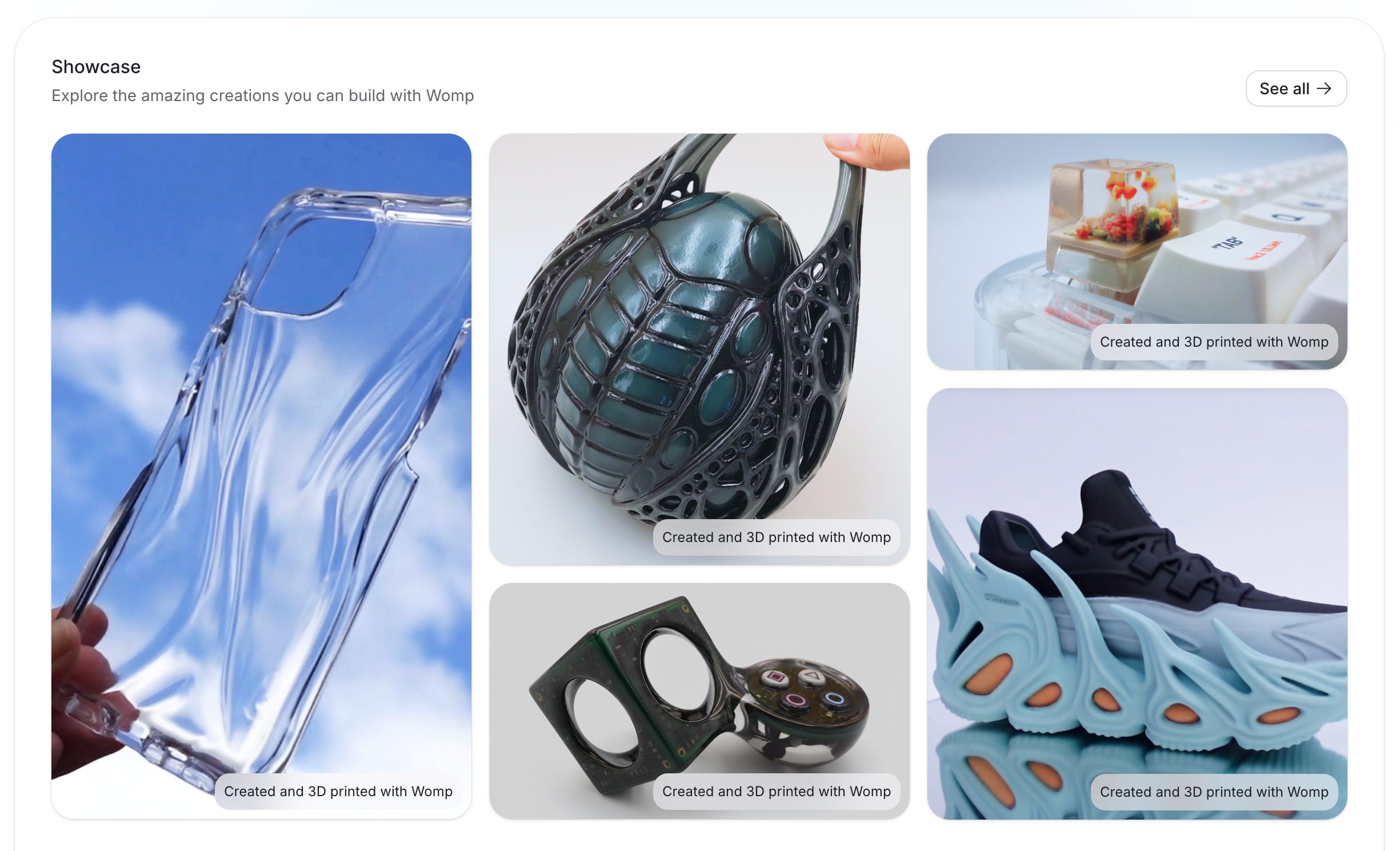
Got an idea? Type a text based prompt and get a image that can then be turned in to 3D. It’s actually wild.
How it works (conceptually)
You prompt it
Example: “A phone stand with a cable slot and 15° viewing angle”
Spark interprets intent
Functional constraints
Proportions
Printability (thickness, solidity)
It generates real geometry
Not a mesh hallucination
Designed to be edited in Womp
You refine it
Adjust dimensions
Boolean edits
Add/remove features
You export or print
STL or direct print ordering via Womp
This is the key difference from most AI-3D tools.
3) Unicorn Studio now has 3D models
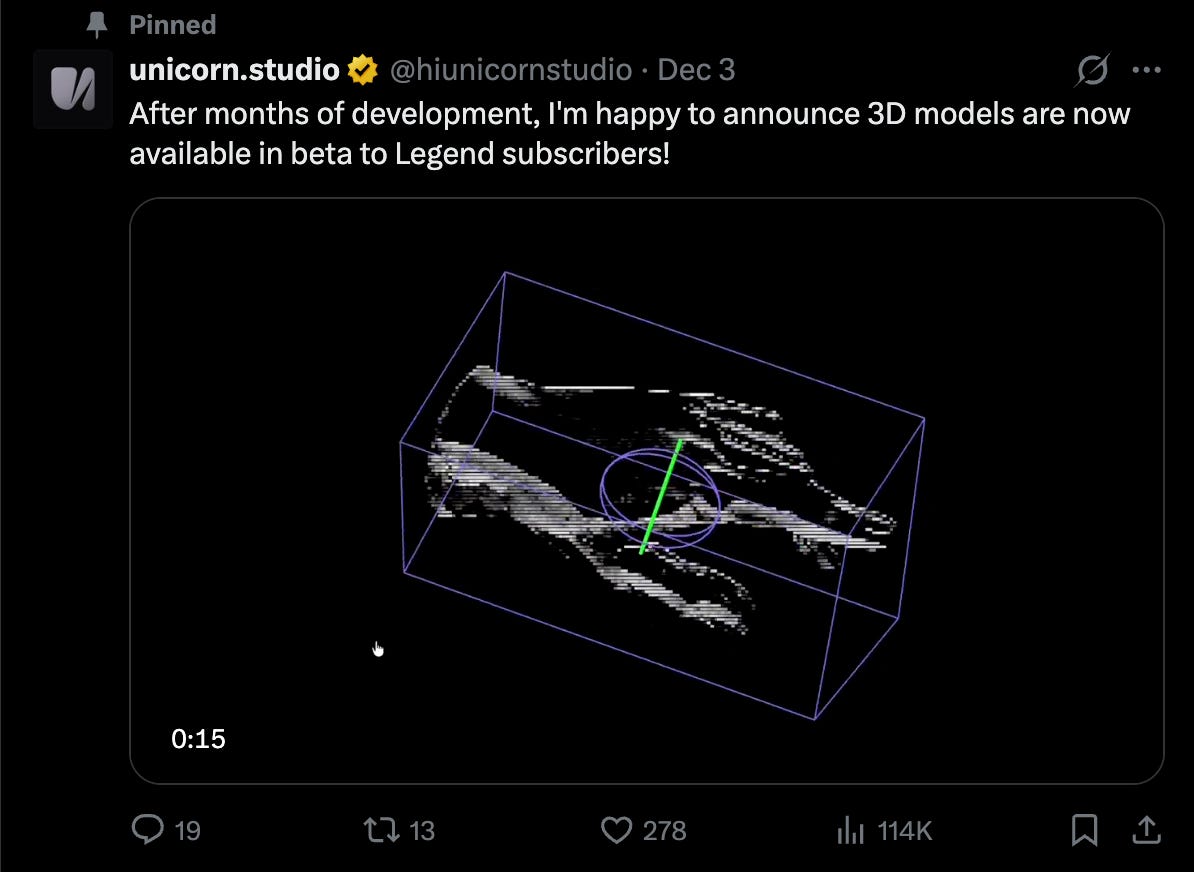
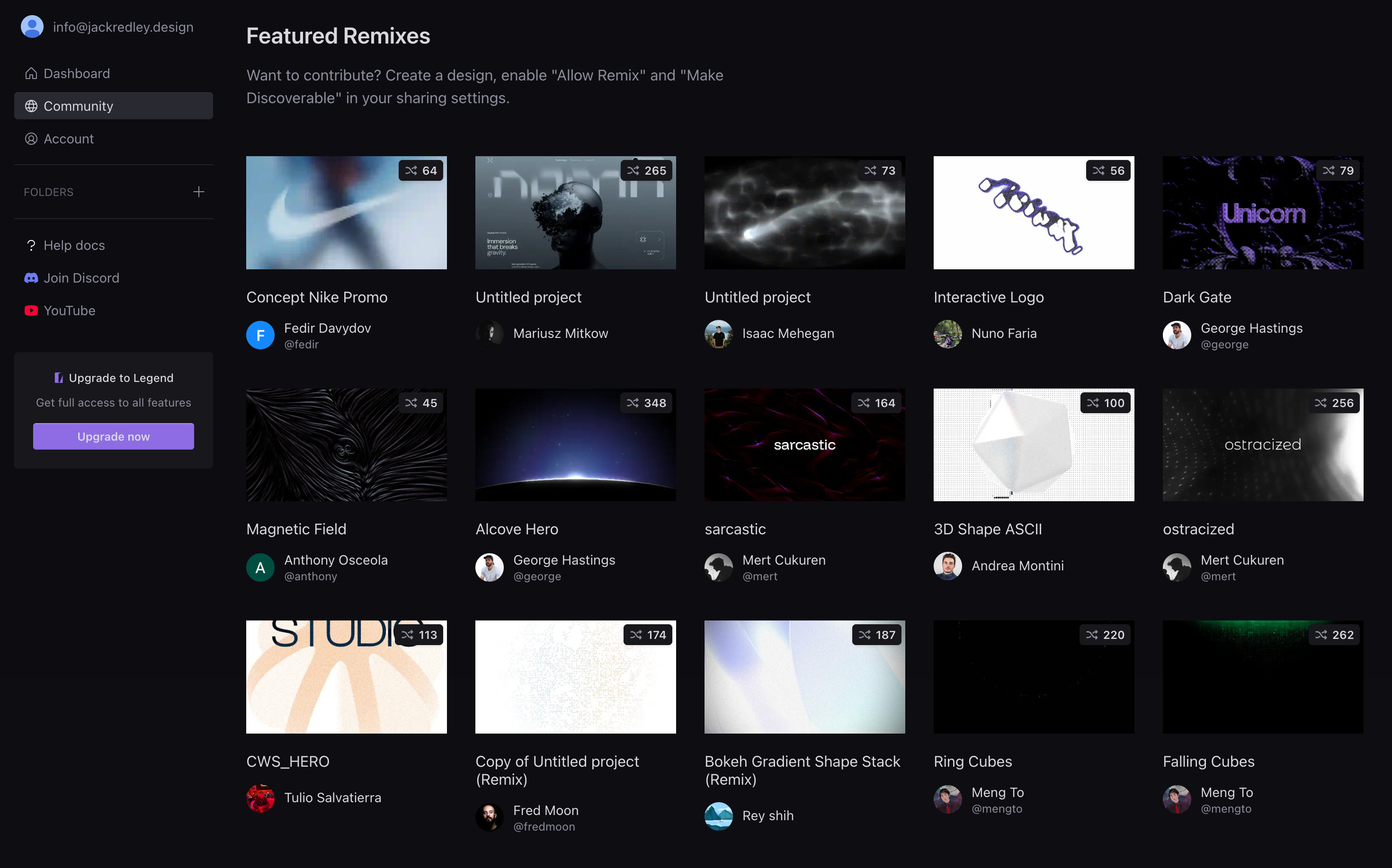
This is insane.
What Unicorn Studio is (baseline)
Unicorn Studio is:
A web animation & interaction tool
Focused on scroll, hover, entrance, and UI motion
Used mainly for marketing sites, landing pages, and product pages
Think of it as “After Effects for the web”, but designer-friendly
Until recently, it was largely 2D-first.
Unicorn Studio now allows you to:
Import 3D models (typically glTF / GLB)
Place them inside a layout like any other visual element
Animate them using Unicorn’s timeline, scroll, and interaction system
Crucially:
Unicorn Studio is not trying to become Spline, Blender, or Womp.
It’s about using 3D, not authoring 3D.
I MEAN COME ON.
So much to be excited about - so many tools to explore. So much play to be had!
I’m making an app - it’s ugly but it works (kind of)
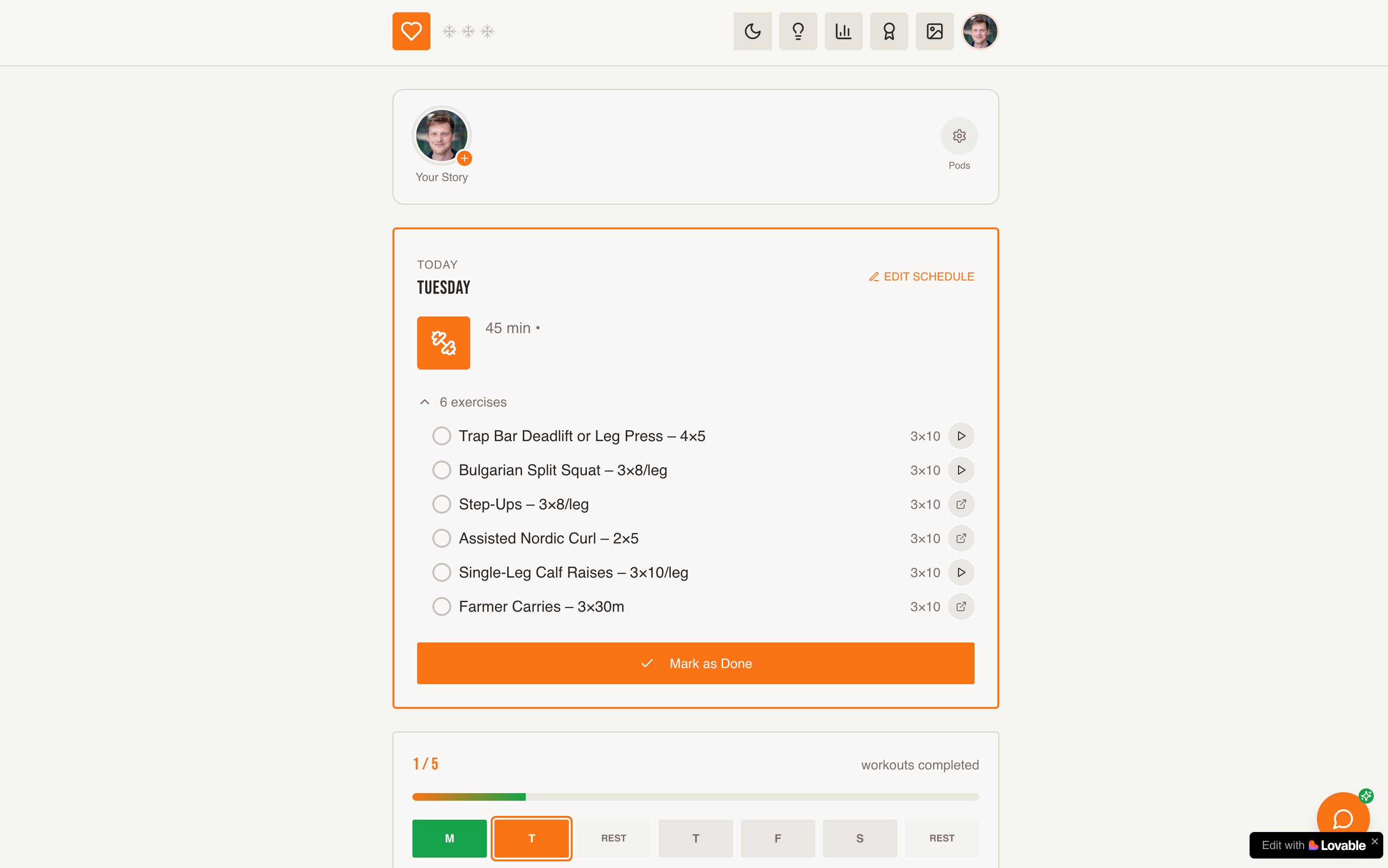
It’s called Kodo (which means heartbeat / pulse in Japanese)
Think Duolingo for fitness.
I want to create an accountability app to exercise little and often.
Not a gym bro app.
You can invite a small group of friends to create a “pod,” and then you do workouts to gain points. There’s badges, streaks and, eventually, discount codes.
Let’s see where it goes.
Lovable x Webflow
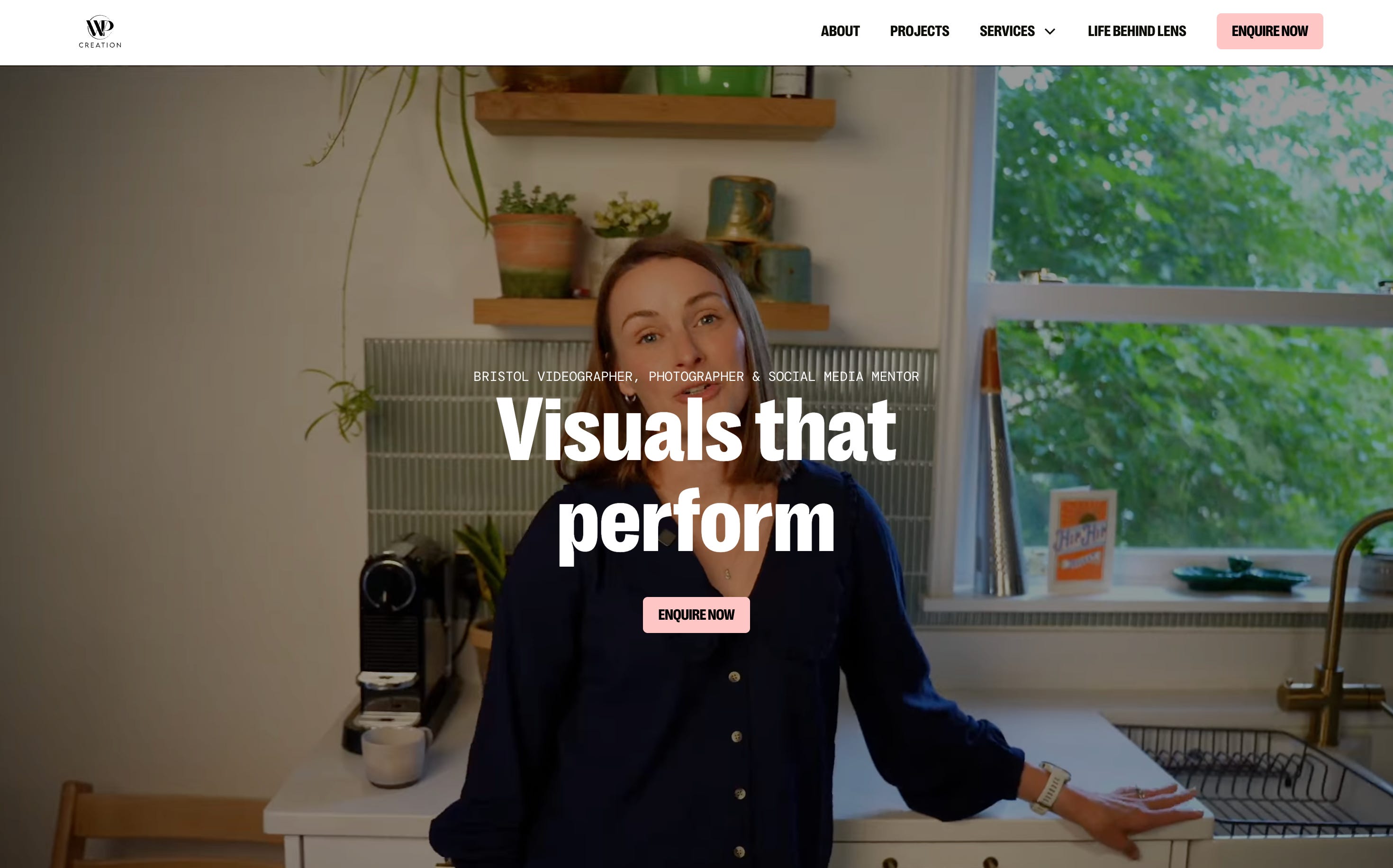
So if you scroll down on this client site (for a photographer and videographer), you will reach this:
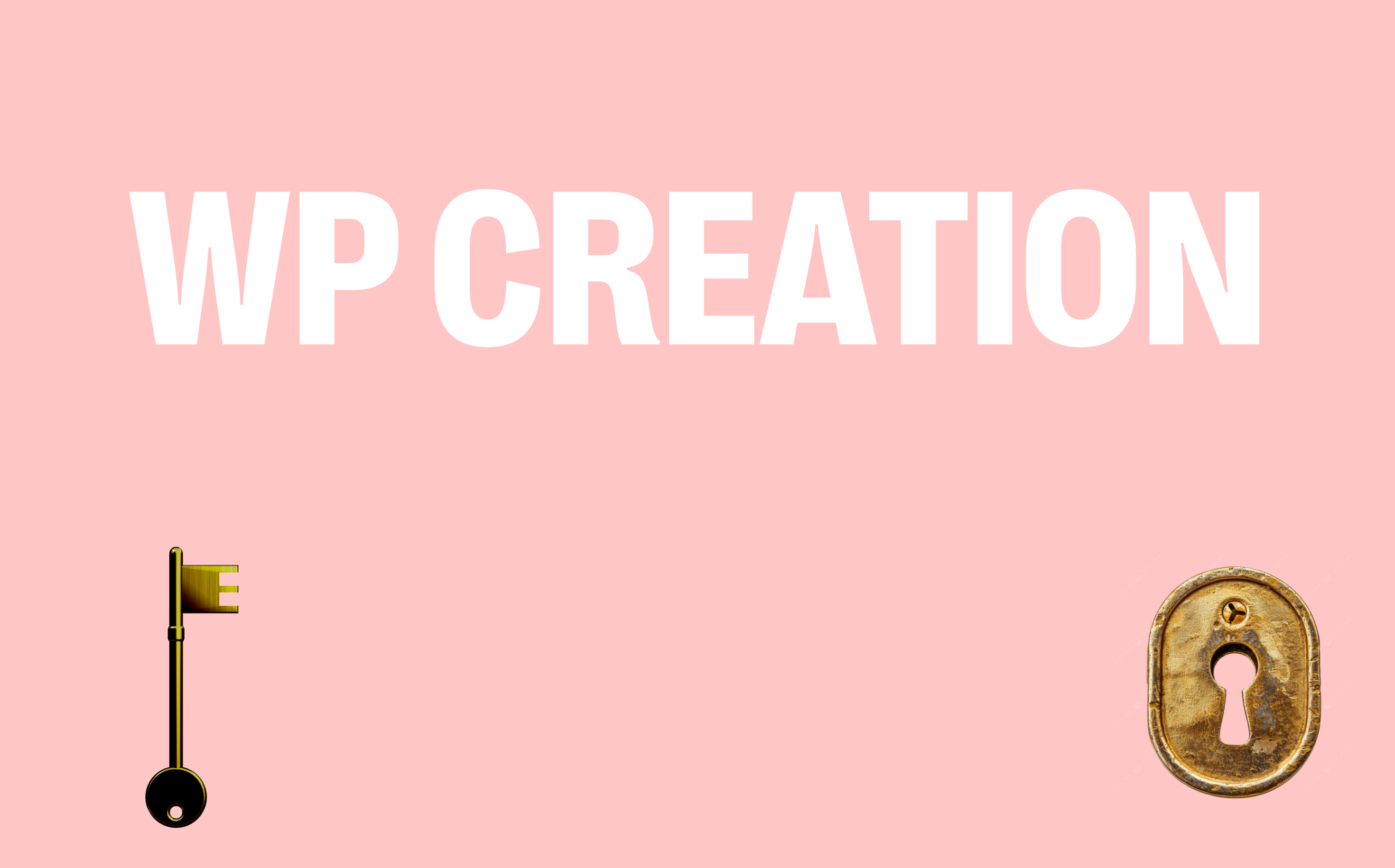
Bring the key to the lock and it will open this - a pin board where website visitors can leave a note for Wil!
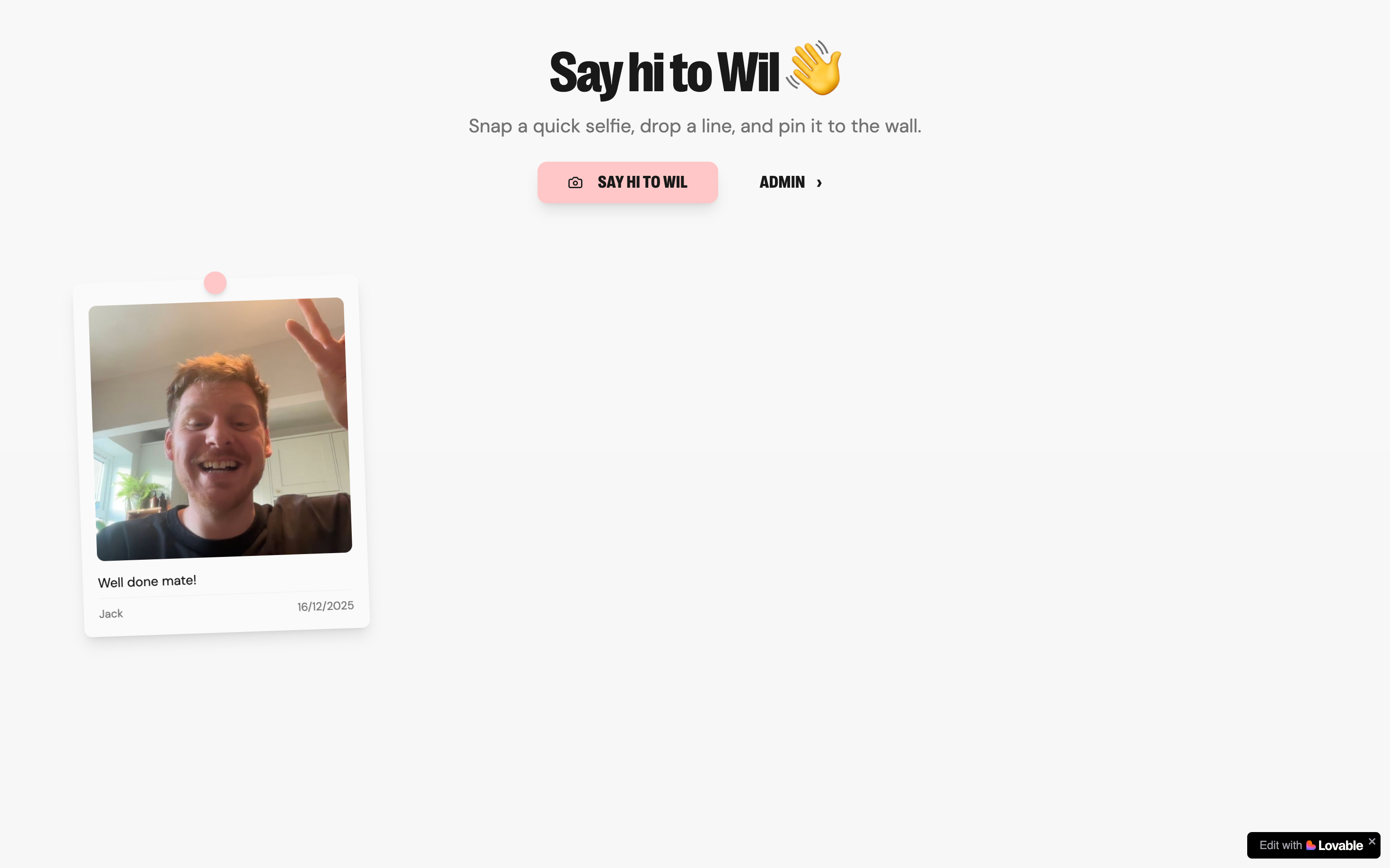
I think as we get deeper and deeper in to text prompts websites, websites will become more and more fun and personalised.
So much fun to explore these different avenues.
Who knows where this will all go in 2026…
What are you building?
Jack
This is 💰! Keep bringing these great explorations. I have been creating some projects eith meshy > spline, as inspired per your last post.